Multi-story sequences
Add, duplicate, reorder, or delete story slides, then render matching progress bars and the active segment.
Question stickers are one of the fastest ways to make a fake Instagram Story feel interactive. Build an AMA prompt, confession box, feedback request, or creator Q&A frame in the native story format.
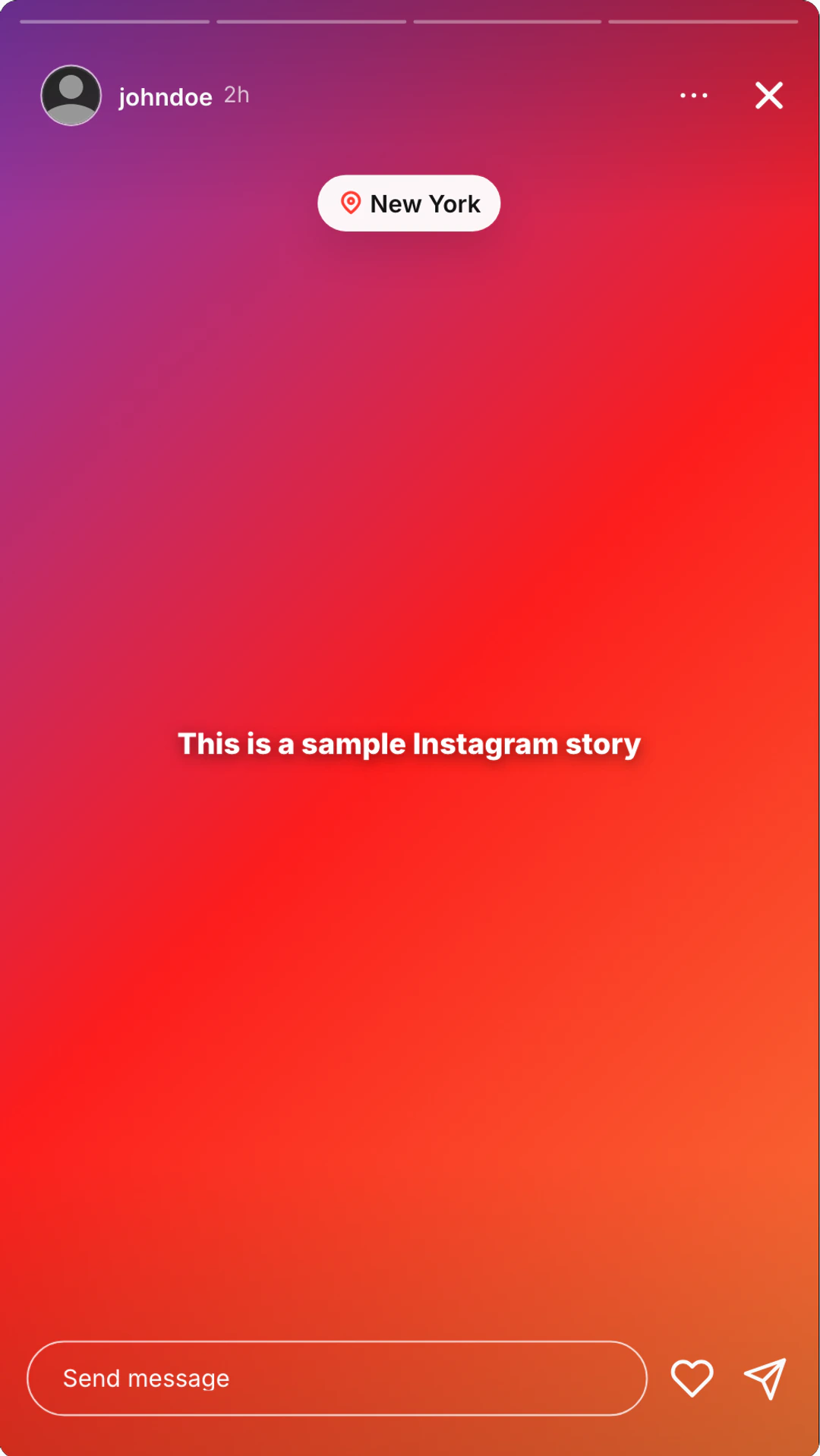
Instagram Story editor
Use the same editor features on mention templates, question boxes, Close Friends frames, poll stories, music stories, and vertical story video mockups.
Add, duplicate, reorder, or delete story slides, then render matching progress bars and the active segment.
Paste media URLs or upload and crop story backgrounds plus round profile pictures for the creator header.
Edit username, avatar, timestamp, verified badge, and Close Friends status so the story has the right source.
Use clean, bold, glow, typewriter, highlight, outline, and glass text with color, size, alignment, and uppercase controls.
Add quick music presets or custom song title, artist, and album art, then drag the music chip into position.
Stage location, @ mention, and hashtag stickers with draggable placement for reposts, shoutouts, and creator scenes.
Build link, countdown, emoji slider, poll, question box, and quiz stickers with editable labels, options, and values.
Toggle liked state, replies on or off, Seen by, viewer count, and a custom quick-reaction emoji row.
Render the native 9:16 story frame with header, progress bars, status bar, reply box, and phone-safe spacing.
Export sharp 9:16 screenshots, animated story mockups, and video inserts for Reels, TikTok, decks, and ads.
Create the question box, supporting caption, creator header, background, viewer state, and export format from one Story editor.
Keep the question sticker readable with native story spacing, progress bars, and phone-safe placement.
Set username, avatar, verified badge, time ago, Close Friends, background, and caption so the prompt has a believable source.
Export static screenshots or animated story clips for Reels, TikTok inserts, campaign decks, and ad mockups.
Use question boxes for AMAs, confession prompts, audience research, creator Q&A, and campaign concept frames.
Preview a creator Q&A, founder AMA, or fan-question story before posting the real version.
Create the kind of anonymous prompt frame that works as a hook in storytime content.
Show how a brand could ask for audience input, feedback, or launch reactions in story format.
Use a question sticker as a quick vertical insert in Reels, TikToks, and social ads.
A question sticker is not just decoration. It is a prompt. The more it sounds like a real creator asking a real audience, the more believable the story frame becomes.
Short prompts usually perform better visually because the sticker has limited space. If the prompt needs a paragraph of explanation, it is probably the wrong format.
Use the background to support the prompt rather than compete with it. The question box should be the first thing the eye lands on.
Quick answers about prompts, supporting stickers, and export formats.
Open Instagram Story mode, add the question sticker, write the prompt, set the creator context, choose the background and supporting text, then export the 9:16 story as a screenshot or a video.
Use a prompt that sounds like someone would actually tap and answer. Short prompts like "Ask me anything", "drop your worst take", or "what should we launch next?" read faster than long instructions.
Yes. The question sticker is the native Instagram question box format, so it works for AMAs, confession prompts, feedback requests, and audience Q&A mockups.
You can add uploads, styled text, Close Friends, music, location, mention, hashtag, link, countdown, emoji slider, poll, quiz, viewer count, Seen by, replies, liked state, and quick reaction emojis.
Usually no. A question sticker already asks for attention. Add only one supporting cue, like a mention tag, music chip, or small caption, if it helps the scene.
Fast export workflow
Open Story mode, write the prompt, tune the frame, and export a native 9:16 screenshot or video.
Create a fake Instagram Story mention with tagged handles, reshare captions, uploads, creator identity, verified badge, Close Friends, music, viewer states, and 9:16 screenshot or video exports.
Create fake Close Friends Instagram Story mockups with the green cue, private-story framing, uploads, mentions, music, stickers, viewer states, and 9:16 screenshot or video exports.
Make fake Instagram messages in dark mode in 30 seconds.
Create fake ChatGPT screenshots and prompt-and-answer mockups for tutorials, demos, and social clips.