1
Influencer launch previews
Mock branded feed posts, giveaway announcements, and creator-style launches before they go live.
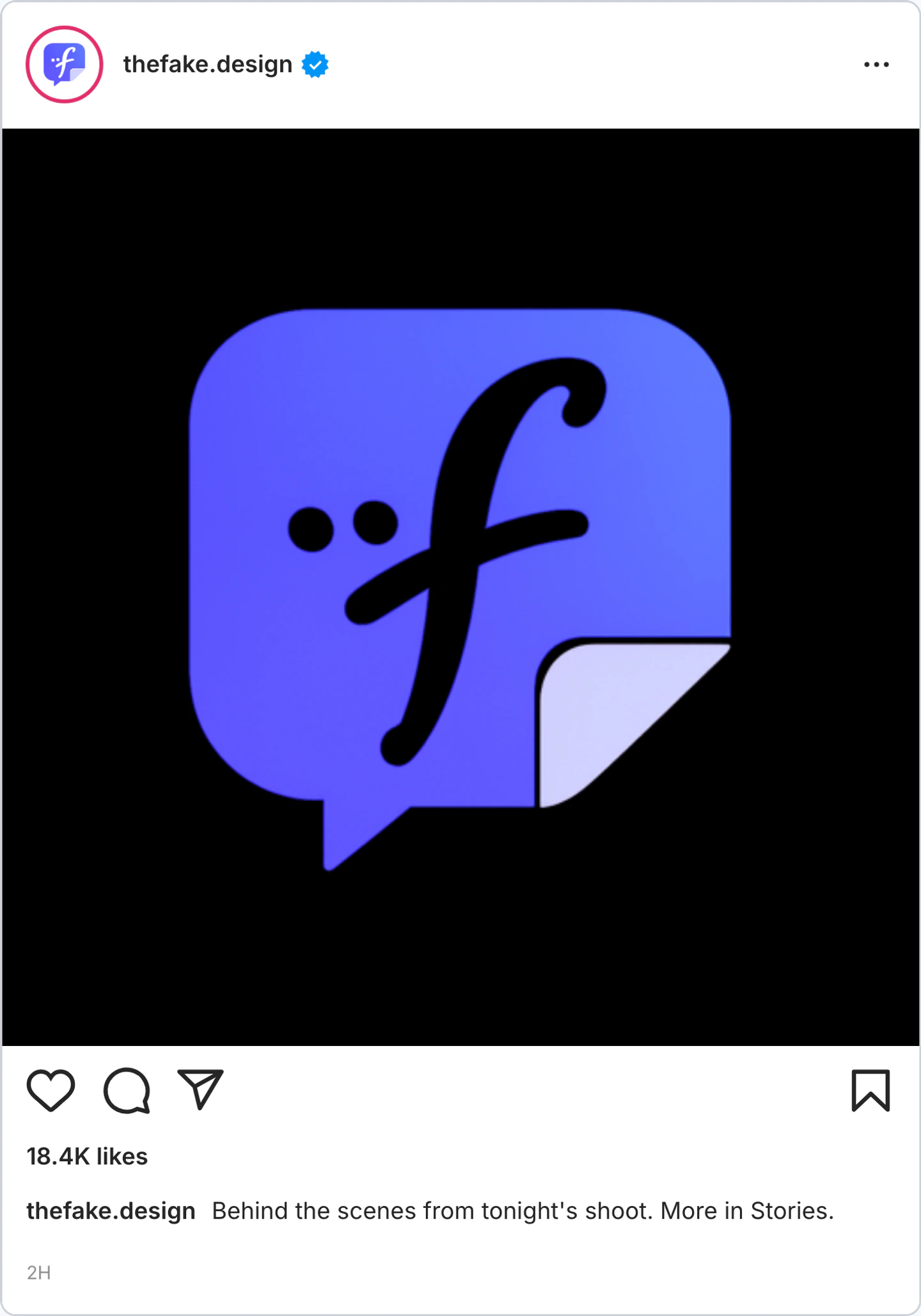
Create Instagram posts with custom handles, captions, locations, badges, likes, and comments. Export square or portrait mockups.
Pick the right format
Use a Instagram post mockup for creator announcements, product receipts, launch posts, and public reactions. Keep the main point readable at thumbnail size.
Mock branded feed posts, giveaway announcements, and creator-style launches before they go live.
Show how a post might look in-feed when you need a fast proof-of-concept for campaigns and landing pages.
Test caption tone, location tags, and cover-image framing in a familiar Instagram layout.
Workflow
Step 1
Select Instagram from 41+ supported apps and choose post mode.
Step 2
Edit author details, captions, media, badges, timestamps, and engagement counts without rebuilding the layout.
Step 3
Download a sharp post screenshot or a short reveal clip for decks, social edits, and approvals.
Features
Set the interface cues that make an Instagram post recognizable, then export it for close-up edits.
Open Instagram Post post mode with the profile, media, caption, and reaction areas already in place.
Edit handles, names, avatars, captions, media, badges, timestamps, and source details in one place.
Tune likes, replies, reposts, views, and bookmarks so the mockup fits the account and scenario.
These are the details viewers notice first when a Instagram screen appears on camera.
Also included
A convincing Instagram post starts with one clear account type: creator, brand, or personal profile. Match the caption voice, profile details, and engagement numbers to that account.
Common mistakes
Most weak mockups fail on context, not polish. Fix these before you export.
Real posts have small imperfections: human captions, realistic spacing, and engagement counts that fit the account size.
Perfect numbers make screenshots feel staged. Use uneven likes, comments, shares, and timestamps.
Match the caption, profile details, and spacing to Instagram before adding the campaign message.
FAQ
Quick answers about workflow, realism, and export decisions.
Compare social post mockup pages when you need the same idea in a different feed.
Same platform
Create fake Instagram comments, comment sections, threaded replies, pinned comments, and timestamps.
Open generatorRelated generator
Create X post mockups, reply chain screenshots, profile-style previews, verified badges, and engagement metrics for social concepts, decks, and editorial visuals.
Open generatorRelated generator
Generate realistic fake Facebook posts with our free online tool.
Open generatorRelated generator
Create Threads post mockups with custom handles, badges, and realistic interaction metrics.
Open generatorOpen the post editor, edit the visible details, and export the finished mockup.