
1
Comment-to-video prompts
Build the kind of top comments creators turn into follow-up clips, responses, and part-two hooks.
Build TikTok comment sheets with reply chains, likes, creator badges, sorting, and nested replies for hooks or mockups.
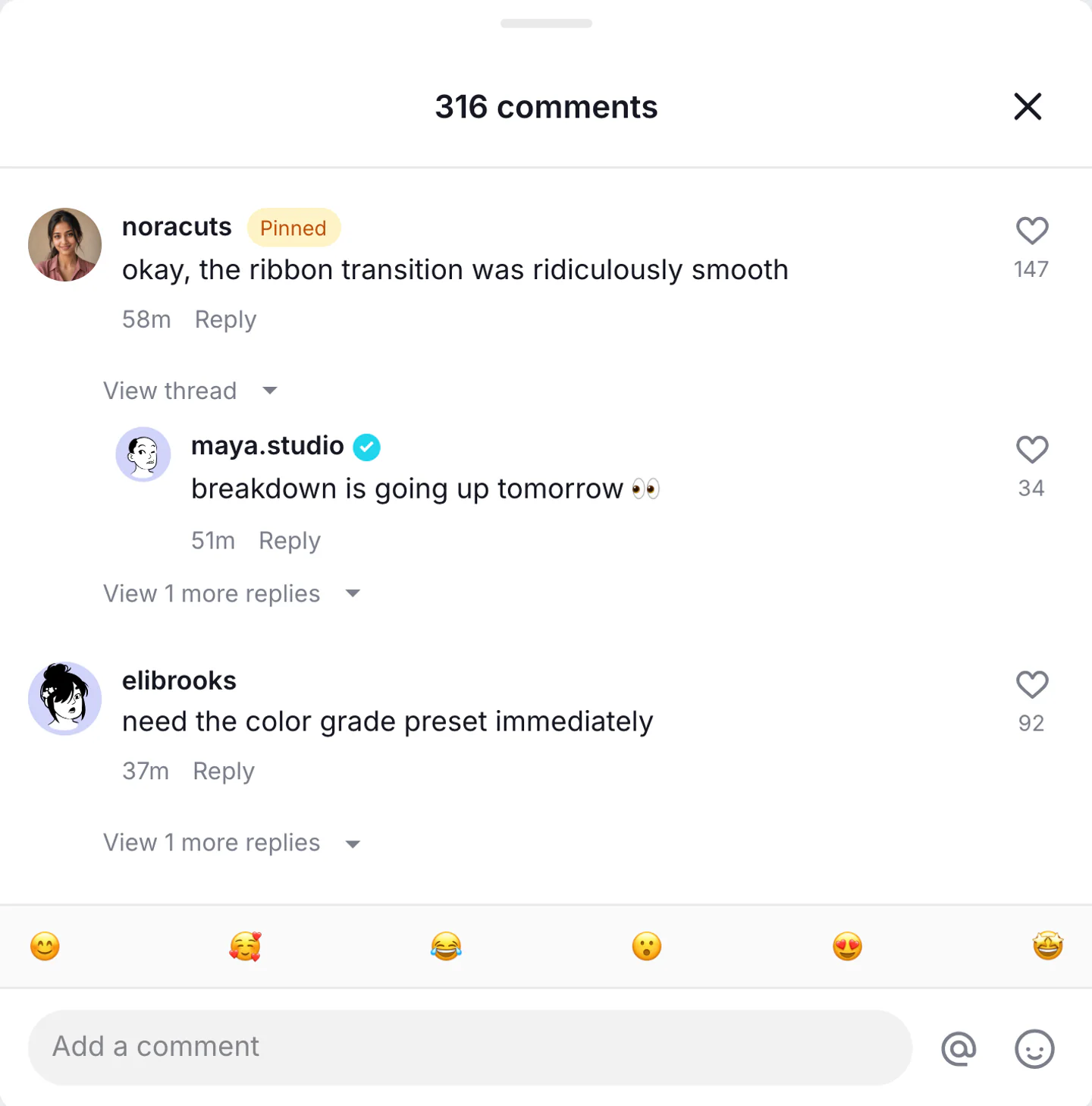
Real TikTok comments export
Three comment drawers: a reply-video hook, a stitch timestamp, and a nested part-two thread. Built for a joke that starts in the comments.

Keep the first reply short enough to read as a TikTok comment. Use creator badges only on the one line that belongs to the account.
Use this example
The top comment names the pause. The creator reply confirms the reply video. Likes stay in working-creator range.
Use this example
Two nested replies under one parent. The creator badge stays on the account, not on every line.
Use this examplePick the right format
Use TikTok comments when the first line of the video is a comment. Keep a single reply bubble on the TikTok reply generator.
Build the kind of top comments creators turn into follow-up clips, responses, and part-two hooks.
Stage fast-moving TikTok-style reactions around a trend, reveal, or creator moment.
Show question-led comments and short replies that match the pace of TikTok comment sections.
Workflow
Step 1
Open TikTok comments mode with the comment sheet, nested replies, and creator badges already in the drawer.
Step 2
Write short replies, set like counts, and place the creator badge on one line. Sort by top or newest to match the scene.
Step 3
Export a PNG of the comment sheet. Use video when the hook is the comments revealing before the creator talks.
Features
Set the interface cues that make a TikTok comment thread recognizable, then export it for close-up edits.
Start in the TikTok comment drawer with nested replies and like counts. A single overlay bubble is a different generator.
Mark only the video owner's reply. Extra creator badges make the sheet look invented.
Keep the top comment short enough to read as the first frame of a response clip.
These are the details viewers notice first when a TikTok screen appears on camera.
Also included
TikTok comments are judged on speed, tone, and sort order before anything else. They usually read faster, shorter, and more reactive than Instagram or Facebook comments, so long polished responses tend to break the illusion.
Common mistakes
Most weak mockups fail on context, not polish. Fix these before you export.
TikTok comments are shorter and faster. If a line needs a caption, it probably belongs on a different surface.
The comment drawer is for a full thread. A single speech-bubble overlay belongs on the TikTok reply generator.
The creator badge only belongs on the account that posted the video.
Scene workshop
The comment drawer is the first frame of a response clip. Keep a single speech-bubble overlay on the TikTok reply generator.
1
Write a line that can be read in one glance. Longer, polished replies belong on Instagram or YouTube comment pages.
2
Mark only the video owner. Extra creator badges make the sheet look invented.
3
Export the full comment drawer here. If one comment needs to float over footage, switch to the TikTok reply generator.
FAQ
Quick answers about workflow, realism, and export decisions.
Move between public TikTok comments, reply stickers, private DMs, and vertical chat-video planning without mixing their search intent.
TikTok tool
Turn a public comment idea into a private TikTok chat with typing effects, read states, and vertical story pacing.
Create a TikTok DMTikTok tool
Create a reply-to-comment bubble for response videos when one viewer comment needs to become the hook.
Create a replyTikTok guide
Plan a 9:16 message story with timed reveals and mobile-readable pacing for TikTok, Reels, or Shorts.
Plan a chat videoRelated generator
Create fake YouTube comments and comment threads with channel names, @handles, likes, replies, pinned comments, and creator hearts for screenshots, shorts, and video concepts.
Open generatorRelated generator
Create fake Instagram comments, comment sections, threaded replies, pinned comments, and timestamps.
Open generatorRelated generator
Create fake Facebook comment threads with replies, reactions, and timestamps.
Open generatorRelated generator
Create fake X reply chains with nested comments, username context, and believable engagement pacing.
Open generatorOpen the comments editor, edit the replies, and export the finished thread.