
1
Launch announcement mockups
Stage founder posts, product updates, and reaction-friendly rollout screenshots before publishing.
Create X post mockups, reply chains, profile previews, verified badges, and engagement metrics with the details viewers expect.
Real X post export
Three post cards: a dark founder update, a light hotel-confirmed still, and a same-day poll. Use this page for current X chrome.

Maya Rivera posts a same-day packing-list joke. Likes, reposts, and views stay in range for a working creator account, not a celebrity blast.
Use this example
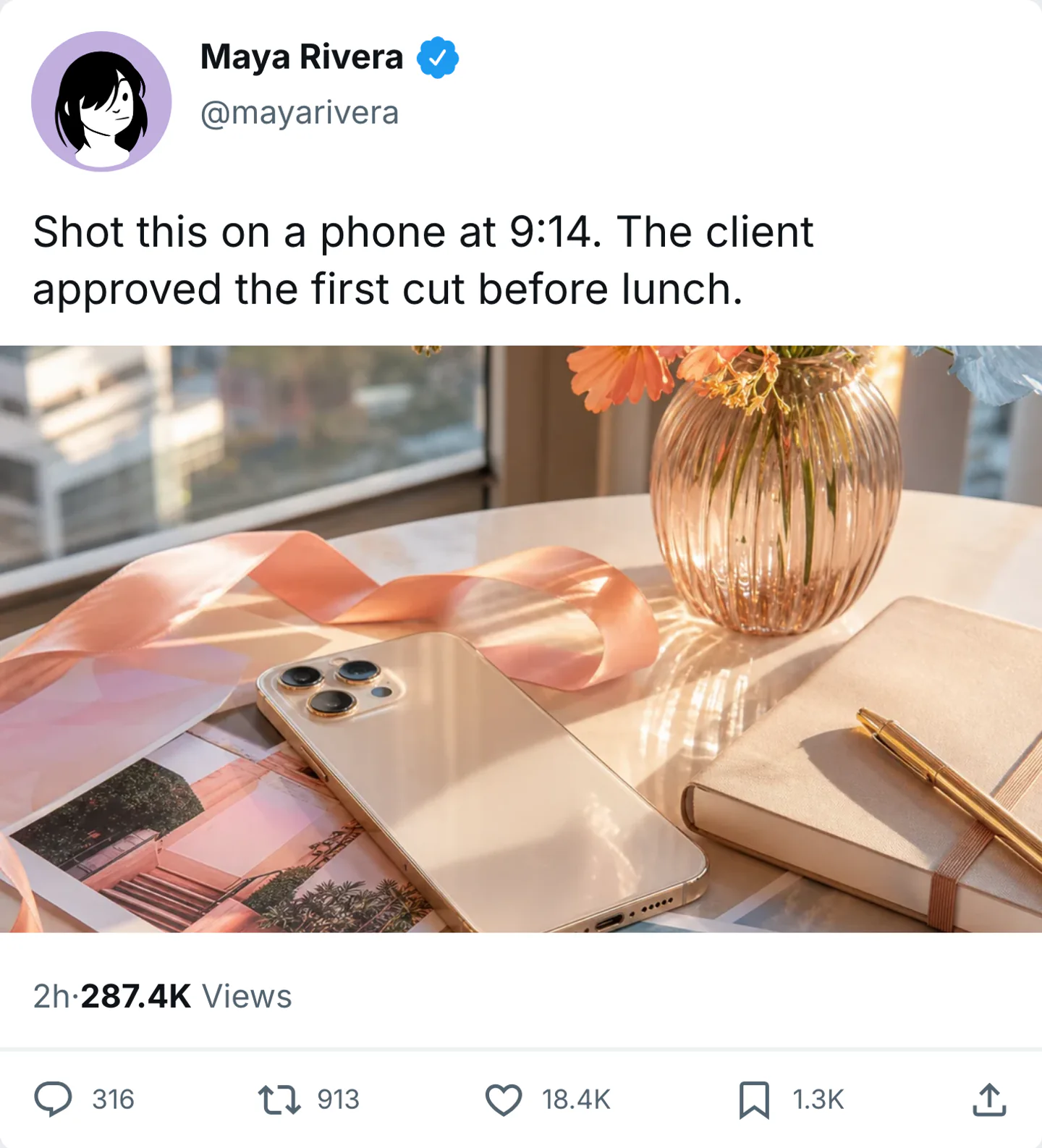
A shorter caption, a desk still, and quieter metrics. Light mode for a daytime timeline insert.
Use this example
Two options, modest votes, still closing. The poll is the post. No extra photo.
Use this examplePick the right format
Use an X post when current X chrome, badges, and metrics matter. Keep older Twitter wording on the fake Tweet maker so the two pages do not compete.
Stage founder posts, product updates, and reaction-friendly rollout screenshots before publishing.
Build tweet-style screenshots for jokes, commentary edits, and short social punchlines.
Use fake tweets in pitch decks, strategy documents, and product walkthroughs when a post communicates the idea better than a slide.
Workflow
Step 1
Open X post mode with the profile, caption, media, badges, and engagement counts already on the card.
Step 2
Set the handle, badge, photo, and metrics together. Keep the caption as short as a real X post, then preview light and dark.
Step 3
Download a PNG for decks and static edits. Use video when the post should land as a timed reveal.
Features
Set the interface cues that make an X (Twitter) post recognizable, then export it for close-up edits.
Open a post card with today's X layout, badges, photo attachments, and engagement counts already placed.
Use blue, gold, or business badges only when the account type needs them. Keep likes, reposts, and views in one range.
This page is the post. Continue in X comments for a reply chain, or the fake Tweet maker for older Twitter wording.
These are the details viewers notice first when an X (Twitter) screen appears on camera.
Also included
A good X post mockup looks like it belongs to a real account with a real reason to post. The wording, the profile details, and the engagement numbers all need to support the same scale and tone.
Common mistakes
Most weak mockups fail on context, not polish. Fix these before you export.
X posts read in one or two short beats. If the copy needs a thread, use the X comments generator for the replies.
This page uses current X layout, badges, and metrics. Older Twitter wording belongs on the fake Tweet maker.
Likes, reposts, and views should describe the same imagined audience. A 2 million view count on a 400-follower handle looks fake immediately.
Scene workshop
This generator uses current X chrome, badges, and metrics. Older Twitter wording belongs on the fake Tweet maker so the two pages stay distinct.
1
Use one or two short beats, such as a same-day cut approval. If the idea needs replies, continue in the X comments generator.
2
Add a blue, gold, or business badge only when that identity is part of the scene. Pair likes, reposts, and views to the same imagined audience.
3
Check both themes if the post will appear in a deck and a social edit. Export a PNG for stills, or video when the card should reveal in sequence.
FAQ
Quick answers about workflow, realism, and export decisions.
Use the dedicated fake Tweet page for legacy Twitter wording, or continue into X replies and direct messages for a larger scene.
Twitter tool
Use the dedicated fake tweet generator for fake tweet, Twitter template, and tweet-maker searches while keeping the current X layout.
Create a fake TweetX tool
Extend the post into a reply chain with nested comments, verified profiles, and believable engagement counts.
Create X repliesX tool
Move the scene into a private X or Twitter conversation with badges, read receipts, media, and dark mode.
Create an X DMRelated generator
Create fake Instagram posts with custom profiles, captions, photos, verified badges, likes, and comments.
Open generatorRelated generator
Generate realistic fake Facebook posts with our free online tool.
Open generatorRelated generator
Create Threads post mockups with custom handles, badges, and realistic interaction metrics.
Open generatorOpen the post editor, edit the visible details, and export the finished mockup.