Free Fake WhatsApp Chat Video Generator
Use a fake WhatsApp chat video when the conversation needs to unfold instead of appearing all at once. Build the thread, tune typing pauses and reveal timing, then export a vertical animated video that drops into TikTok, Reels, Shorts, ads, storyboards, or your editing timeline.
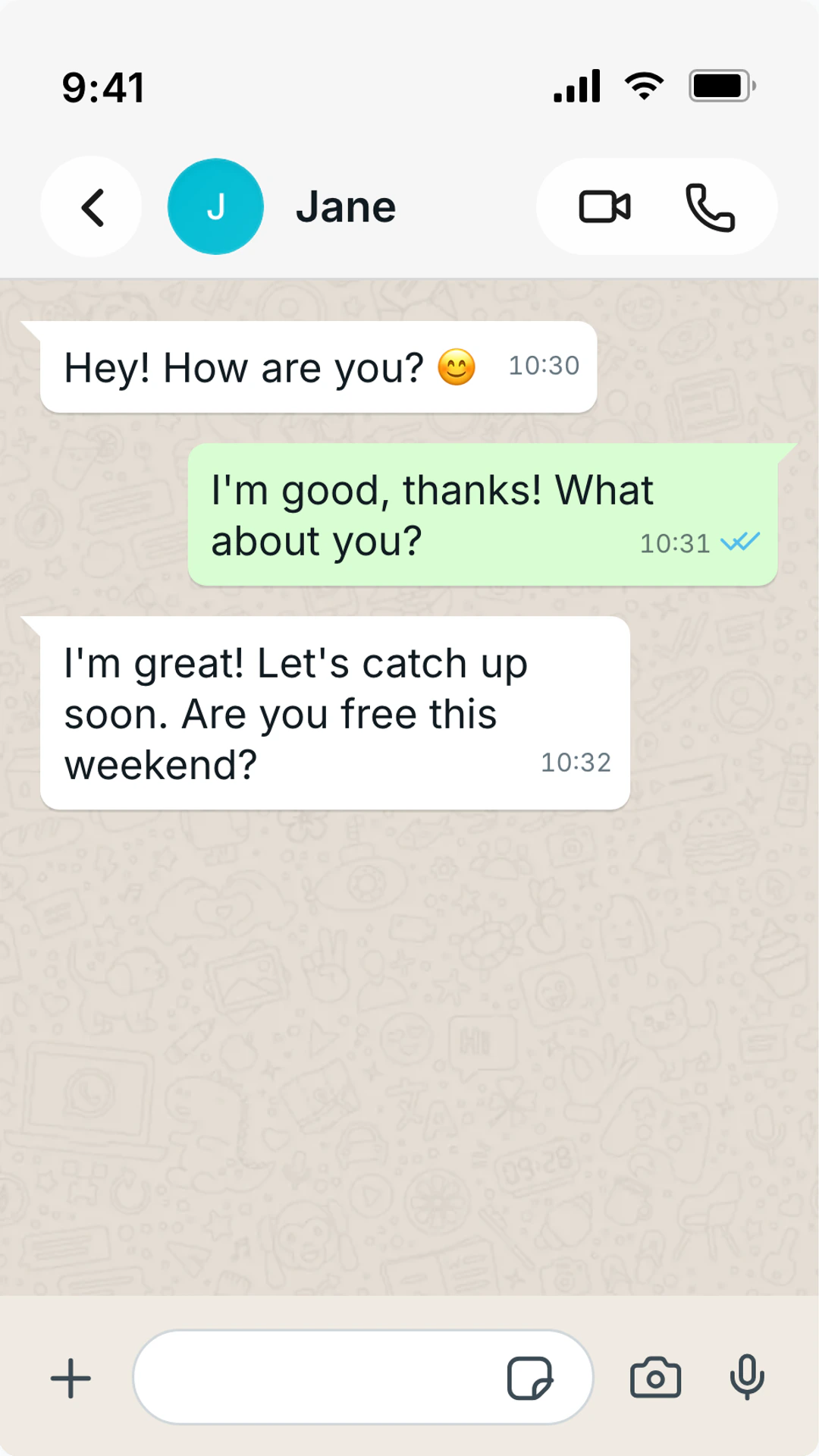
Video and animation workflow notes
Concrete export settings, delivery details, and workflow notes to help you understand the output before you create it.
Output
video or screenshot
Export animated WhatsApp videos when reveal timing matters, or still frames for thumbnails and review decks.
Aspect ratio
9:16 vertical
Vertical output fits TikTok, Reels, Shorts, mobile-first ads, and story-style editing timelines.
Best length
6-20 seconds
Short WhatsApp videos work best when they reveal one clear exchange, not a full script.
Best hook
First 2 seconds
Start with a notification, typing state, or first message that makes the viewer wait for the next bubble.
Realism cue
Uneven timing
Human chats have pauses, bursts, and short follow-ups. Avoid identical delays between every bubble.
Format Controls
Optimize chat visuals for the format and channel you publish to.
- Timed WhatsApp message reveals for animation and video scenes
- Typing indicator pacing, pauses, and message reveal order
- WhatsApp blue ticks, delivered states, and online status
- Voice note and text message scenes in one thread
- Group chat video scenes with multiple speakers
- 9:16 vertical exports for TikTok, Reels, Shorts, and mobile ads
- Screenshot export for thumbnails, deck previews, and backup frames
Timed Message Reveals
Control when each WhatsApp bubble appears so the scene builds suspense, proof, or comedy instead of dumping the whole thread at once.
Native Social Video Shape
Export vertical clips built for TikTok, Reels, Shorts, story ads, and mobile editing timelines.
Still Frames Included
Grab a PNG thumbnail or approval frame from the same WhatsApp scene before publishing the animated version.
Format-Driven Scenarios
Choose the output format based on retention goals, platform constraints, and workflow.
TikTok and Reels inserts
Use vertical WhatsApp videos as quick story beats inside short-form content.
Ad proof and testimonials
Turn customer-style replies into a conversational video asset without showing real private messages.
Animated story hooks
Reveal the conversation one bubble at a time so viewers wait for the next reply instead of scanning a full screenshot instantly.
Comedy and suspense timing
Use a long typing pause before a tiny reply, or rapid-fire messages when the scene depends on speed.
Client review videos
Send a timed preview of how the WhatsApp scene will appear before the final edit is produced.
Build the video around one reveal
The best fake WhatsApp chat videos do not try to show a whole conversation history. They build toward one reveal: a blue tick, a voice note, a reply from the wrong person, or a final message that changes the scene.
Animation adds one thing a screenshot cannot: time. The gap between messages, the length of typing indicators, and the rhythm of reveals create the emotional beat.
Write the shortest version first. If the viewer can understand the beat in five messages, do not stretch it to ten. Video pacing rewards clarity.
After exporting, watch the video without pausing. If you have to rewind to read a message, shorten the text or slow the timing before publishing.
Video export checklist
- Keep each message short enough to read at mobile playback speed.
- Use one main visual cue: typing, blue ticks, voice note, or group reply.
- Match typing delays to the length and emotional weight of each reply.
- Export a still thumbnail from the strongest frame.
- Check compression after uploading to the final platform.
Format-Compatible Platforms
Format FAQ
Quick guidance for selecting the right output type for your use case.
Can I export a fake WhatsApp chat as a video?
Yes. Build the WhatsApp conversation, preview the message pacing, and export an animated video for social posts, ads, presentations, or editing software. The workflow acts as a WhatsApp conversation video maker when timing and reveal order matter.
Is this also a WhatsApp chat animation maker?
Yes. A WhatsApp chat animation is the same timed workflow before export: messages reveal in order, typing indicators can appear between replies, and read states can change at the moment the story needs them.
Is a chat video better than a screenshot?
Use video when timing matters. A screenshot is better for proof blocks, thumbnails, and decks. A video is better when typing, suspense, or message order changes how the story lands.
Can I make a WhatsApp group chat video?
Yes. Add multiple participants, assign names and avatars, then reveal messages in order so viewers can follow the group conversation.
Can I create a free fake WhatsApp chat video?
You can build and preview the WhatsApp chat in the browser. Export options depend on the current plan, with screenshots available for quick still output and video available when you need motion.
Fast export workflow
Create in the Right Format
Customize your scene, pick the best export type, and ship faster.
- Instant browser editor
- No install required
- 41+ platforms
Related Format Pages
WhatsApp Screenshot Generator
Create fake WhatsApp screenshots with blue ticks, group chats, voice notes, and realistic UI.
Chat Video Maker
Turn chat scripts, text conversations, and message threads into animated videos with typing indicators, timed message reveals, and realistic pacing for TikTok, Reels, YouTube Shorts, ads, and client work.
Chat Screenshot Generator
Create realistic chat screenshots for WhatsApp, iMessage, Instagram DMs, and more.
WhatsApp Chat Editor
Edit fake WhatsApp chats with custom messages, names, timestamps, blue ticks, group participants, voice notes, and screenshot or video exports.